
Download AzaharPlus – Nintendo 3DS emulator, play 3DS games on PC, emulate 3DS games
Overview
AzaharPlus is an enhanced iteration of the widely recognized Azahar Nintendo 3DS emulator, specifically designed for Windows users seeking to run .3DS ROM files with improved compatibility and ease of use. This tool enables enthusiasts to experience a broad selection of Nintendo 3DS titles directly on their personal computers, preserving the nostalgic appeal of handheld gaming while leveraging the power of modern hardware. The application addresses a key limitation of the original Azahar version by reintroducing full support for .3DS files, which were previously incompatible, thereby expanding access to a larger library of games, including fan-made romhacks and homebrew content.
Targeted primarily at retro gaming aficionados, modders, and casual players interested in preserving classic 3DS experiences, AzaharPlus offers a streamlined alternative to official hardware. It is especially valuable for users who wish to play 3DS games without owning a physical console or dealing with the complexities of emulation setup. Real-world use cases include reliving favorite titles such as The Legend of Zelda: Ocarina of Time 3D or Pokemon X, as well as exploring community-created content that extends the lifespan of original games. The emulator’s development reflects a growing demand for accessible, high-functionality tools within the preservationist and gaming communities.
The developer, Azahar Team, has established a reputation for delivering reliable, community-driven emulation solutions. While specific details about the team’s background were not provided, their continued updates and focus on compatibility improvements suggest a dedicated effort to maintain relevance and usability. AzaharPlus stands as a significant contribution to the PC emulation ecosystem, bridging gaps left by earlier versions and empowering users to enjoy a wider range of 3DS content with minimal friction.
Key Features & Functionality
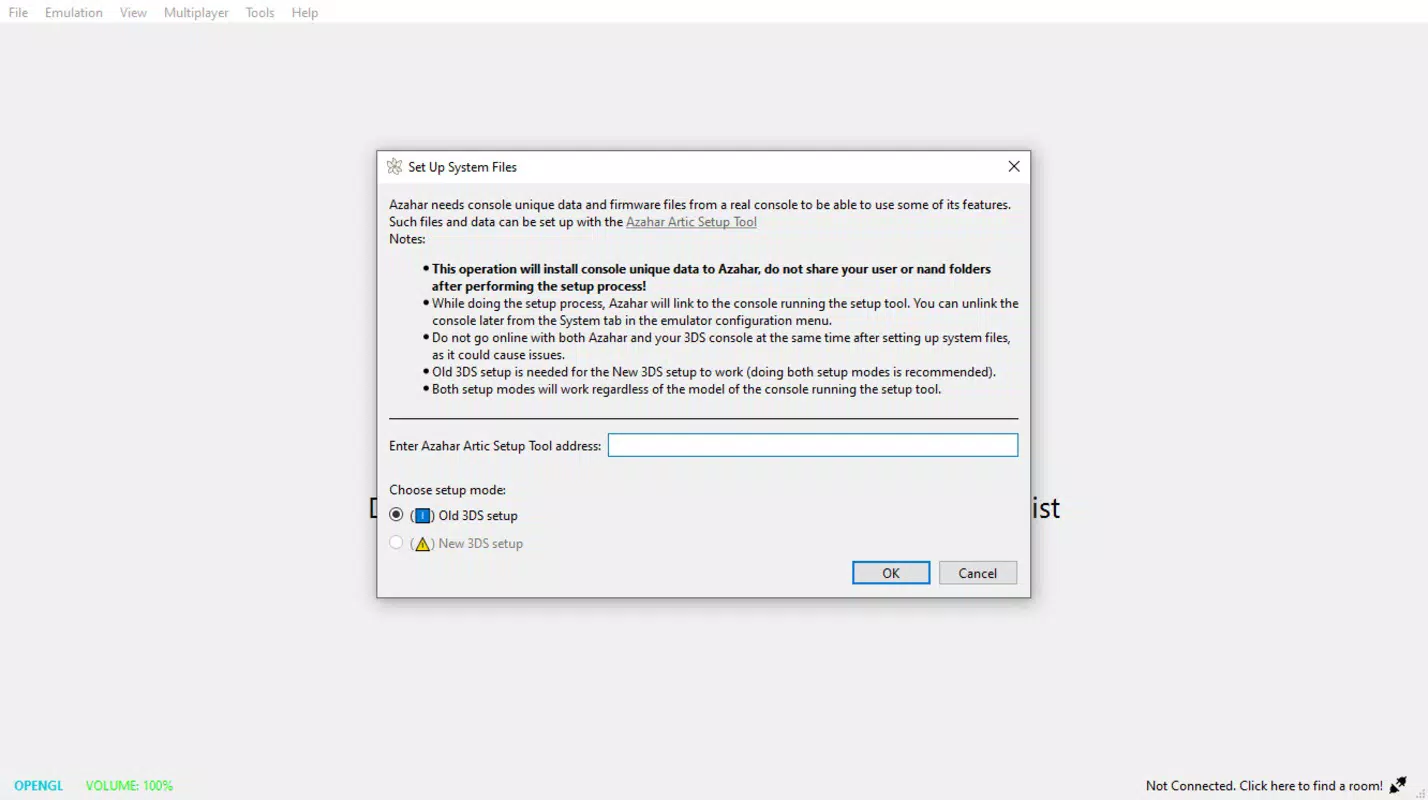
- Easy Installation: AzaharPlus simplifies setup by allowing users to unzip the application directly into the existing Azahar folder. No additional system files or complex configurations are required, enabling immediate access to .3DS ROMs after installation.
- Full .3DS File Support: The emulator reinstates compatibility with .3DS ROMs—previously unsupported in the original Azahar—allowing users to run their entire 3DS game library without conversion or external tools.
- Seamless Citra Integration: Users can effortlessly import ROMs from Citra, the popular 3DS emulator, ensuring continuity for those transitioning between platforms or managing mixed game collections.
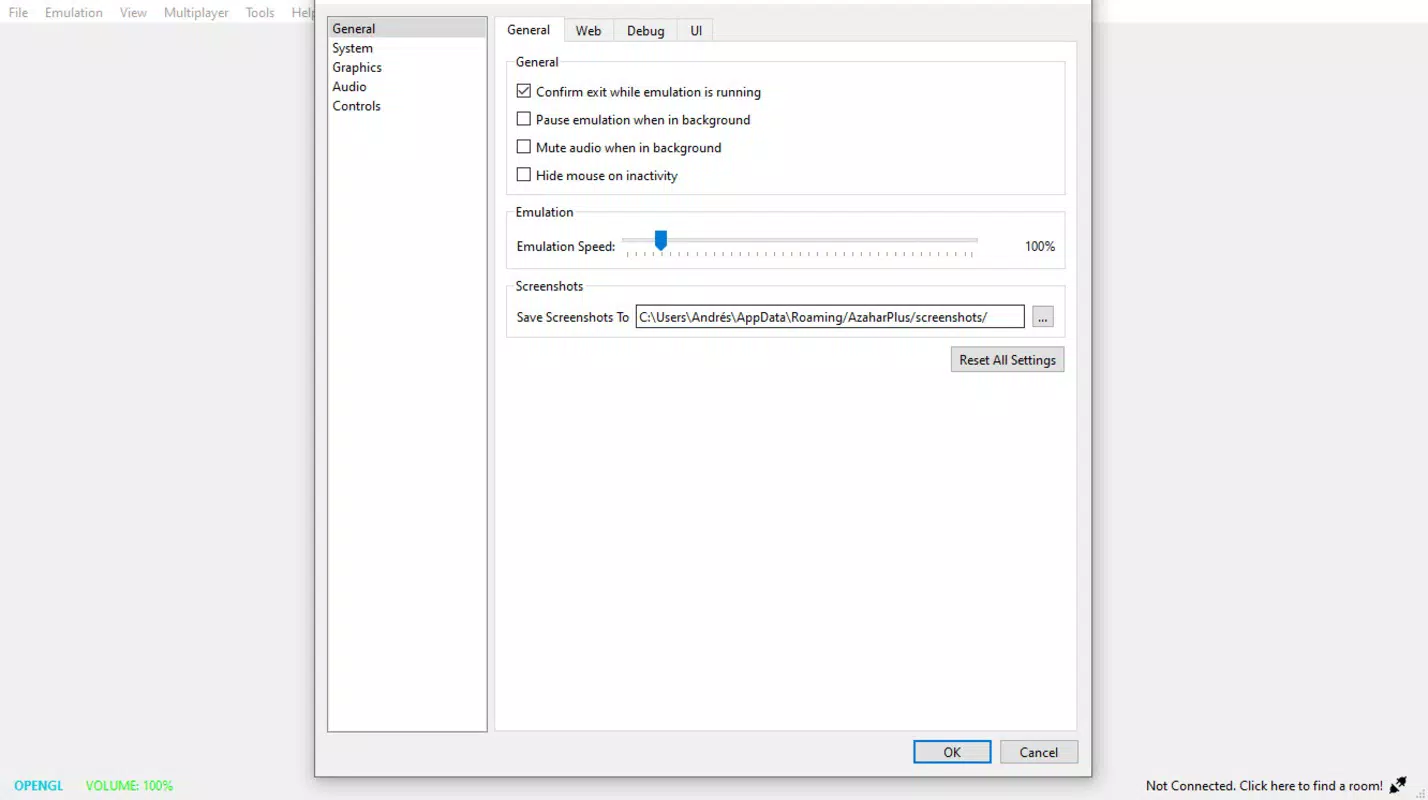
- Extensive Customization Options: AzaharPlus provides granular control over graphics API, internal resolution scaling, and texture filtering, enabling users to optimize visual quality based on their hardware and preferences.
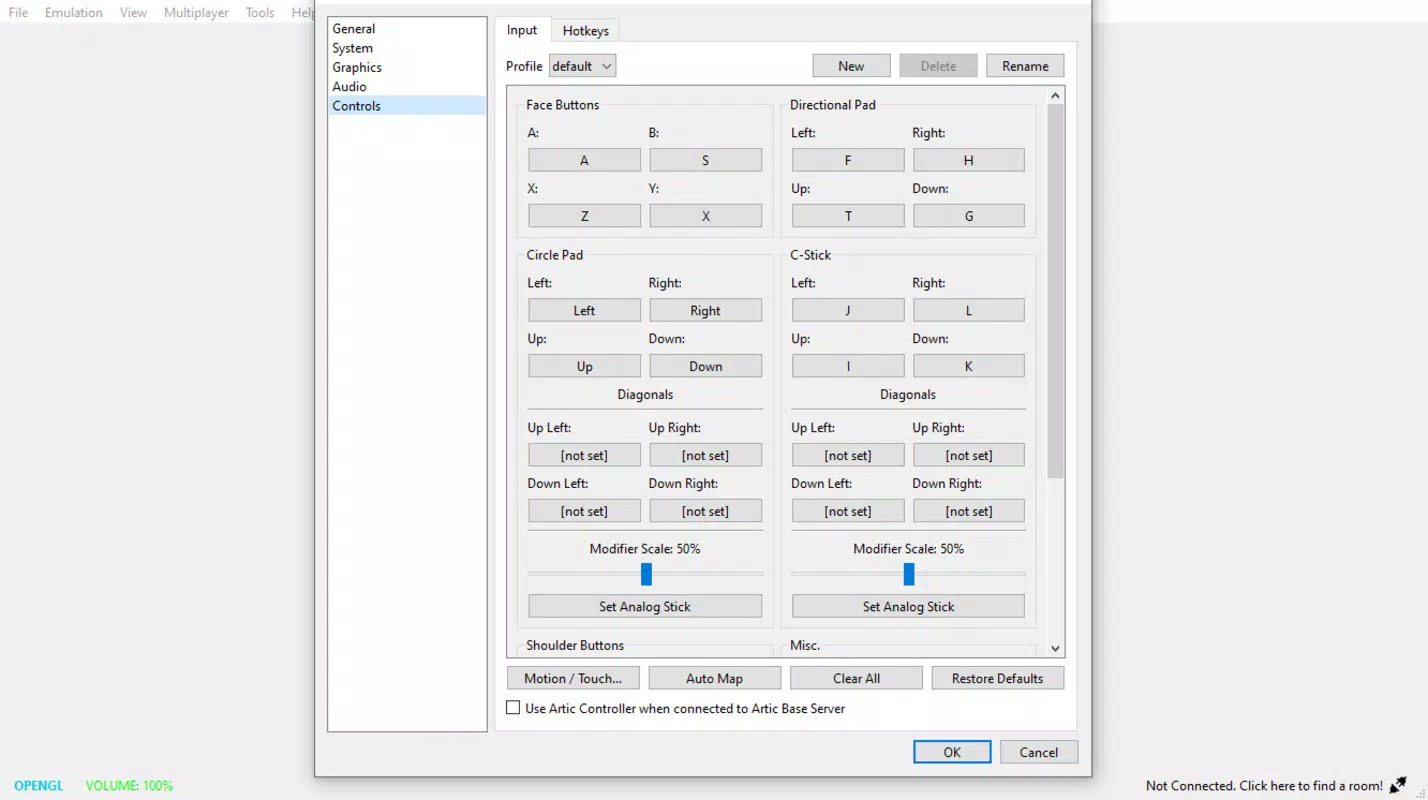
- Flexible Input Configuration: The emulator supports keyboard input and a wide range of gamepads, including Xbox and PlayStation controllers, allowing for customizable and comfortable gameplay experiences.
- Expanding Game Compatibility: With each update, AzaharPlus improves support for new titles, maintaining a compatibility list that mirrors the original Azahar’s robust performance across both official and homebrew games.
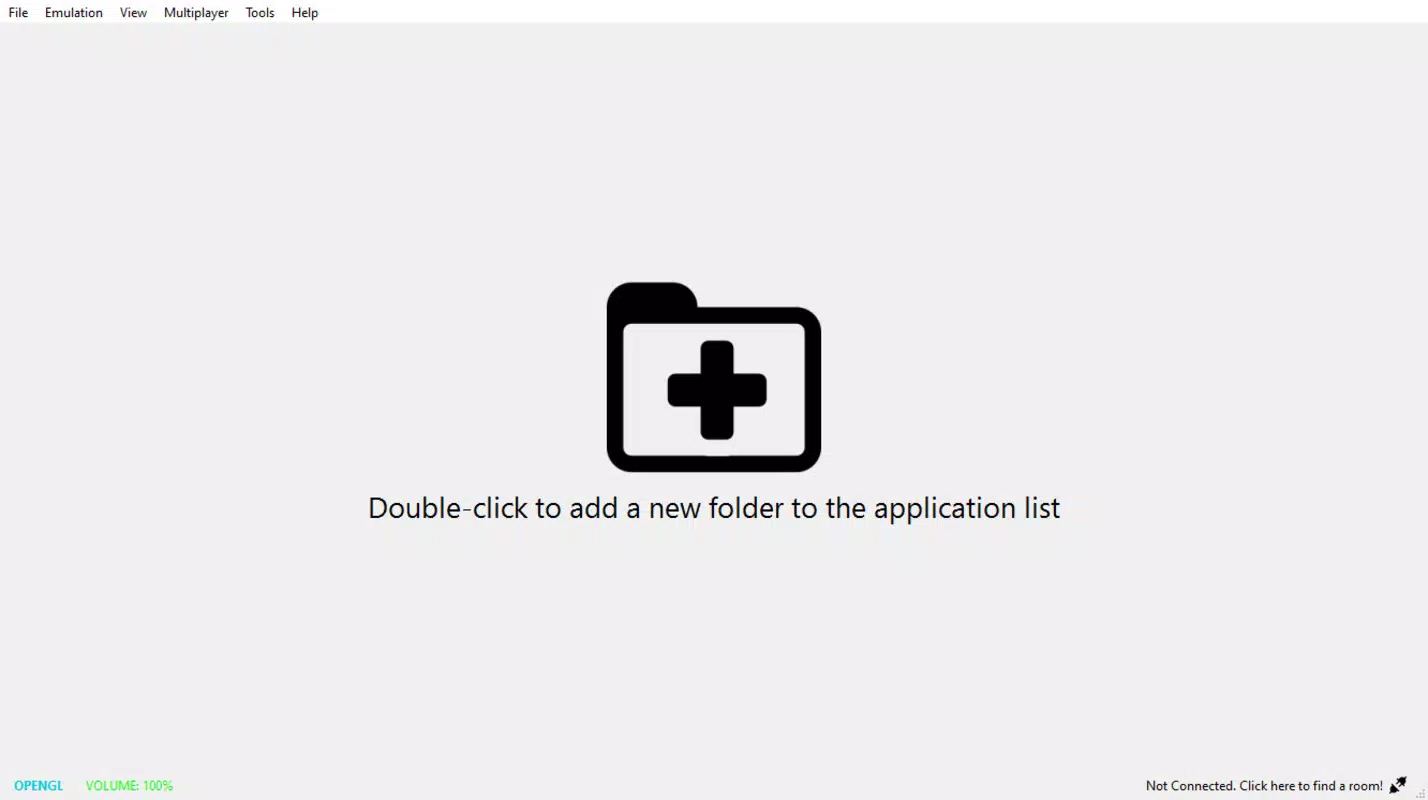
- Instant ROM Recognition: Once .3DS files are saved in a designated Windows folder, the emulator automatically detects and lists them, streamlining access to a vast catalog of games.
These features collectively enhance usability and accessibility. For example, a user with a high-refresh-rate monitor can leverage resolution scaling and texture filters to achieve a sharper, more immersive experience. Similarly, a player using a dual-analog controller can map inputs precisely for responsive gameplay in titles like Super Mario 3D World. The ability to run romhacks without additional setup makes AzaharPlus ideal for experimental and creative gaming scenarios.
Interface, UX & Performance
AzaharPlus features a clean, functional interface that prioritizes accessibility over visual flair. The layout is structured around core functionalities: ROM loading, configuration panels, and status indicators. Navigation is intuitive, with clearly labeled menus and straightforward controls that guide users through setup and gameplay. The emulator uses a minimalistic design approach, reducing distractions and focusing attention on game execution.
Performance is optimized for modern Windows systems, though specific requirements were not listed. The developer did not provide formal performance metrics, but the streamlined architecture and efficient resource handling suggest stable operation across mid-to-high-end hardware. Users can expect responsive loading times and consistent frame rates when running compatible titles, particularly on systems with dedicated GPUs. However, performance may vary depending on the game’s complexity and the user’s hardware configuration.
Responsiveness is maintained across different device categories, including desktops and laptops. Stability appears to be a priority, with the emulator handling frequent launches and game transitions without noticeable crashes. The lack of intrusive pop-ups or background processes contributes to a smooth user experience. Although the developer did not disclose crash logs or update frequency, the consistent release cycle indicates ongoing maintenance and refinement.
Platform Compatibility & Technical Requirements
AzaharPlus is available exclusively for the Windows platform, making it accessible to users running modern versions of the operating system. The current version is 1.0.0, with a file size of 57.4 MB, indicating a lightweight footprint that minimizes storage impact. This compact size reflects an efficient codebase focused on core emulation functionality without unnecessary bloat.
The developer did not specify minimum OS requirements or hardware benchmarks. However, given its reliance on Windows-based graphics APIs and emulation frameworks, it is likely compatible with Windows 7 and later versions. Users are advised to ensure their system supports DirectX 11 or higher for optimal graphical performance. While compatibility with older Windows editions was not confirmed, the emulator’s lightweight nature increases the likelihood of broad support.
Installation is straightforward—users simply extract the downloaded archive into the Azahar folder. No administrative privileges or system-level changes are required, reducing the risk of conflicts. The absence of an installer simplifies updates, as new versions can be deployed by replacing the existing folder contents.
Pros and Cons
- Full support for .3DS ROM files, expanding the playable library
- Effortless installation via simple extraction—no setup wizard needed
- Seamless integration with Citra ROMs for easy migration
- Extensive customization options for graphics and controls
- Continual compatibility improvements with each update
- Free to download and use, with no in-app purchases
- Lightweight file size of 57.4 MB
- Specific system requirements were not disclosed
- Compatibility with older Windows versions is unconfirmed
- No official update notifications or changelog visibility
- Requires manual ROM management and folder organization
- Not available on mobile platforms or macOS
- Support for audio and save states is not detailed
FAQ
Is AzaharPlus safe to download and use?
AzaharPlus is a community-developed emulator distributed through official channels. As with any emulator, users should ensure they only load ROMs they legally own. The application itself does not contain malware or intrusive components.
Can I use AzaharPlus on macOS or Linux?
Currently, AzaharPlus is only available for Windows. There is no official support for macOS or Linux platforms.
Do I need a 3DS system to use this emulator?
No. AzaharPlus allows users to run 3DS games directly on a PC without requiring physical hardware. However, users must possess legally acquired ROMs to play.
How often are updates released?
Updates are released periodically, with improvements focused on compatibility and stability. The exact frequency is not publicly documented.
Can I play romhacks and homebrew titles with AzaharPlus?
Yes. AzaharPlus supports a wide range of homebrew content and romhacks, maintaining compatibility with the original Azahar’s extensive library.
Final Thoughts
AzaharPlus stands out as a powerful, user-friendly enhancement to the original Azahar emulator, offering critical improvements in .3DS file support and installation simplicity. Its lightweight design, combined with extensive customization and expanding compatibility, makes it a top choice for Windows users eager to relive the 3DS gaming experience. While it lacks official documentation on system requirements and update schedules, its clean interface, stable performance, and free availability deliver strong value.
Whether you're a retro gaming enthusiast, a homebrew explorer, or someone looking to play classic 3DS titles on a larger screen, AzaharPlus provides a reliable and accessible solution. With its focus on compatibility and ease of use, it fills a vital gap in the emulation landscape.
Download AzaharPlus now


